What is kint
Kint is a really powerful/ useful debugging tool for php, you can read more about here. The purpose of this blog post is to talk about how to use it.
To get kint working for Drupal 8, you need too;
- Add the kint package using composer.
- If you're using devel then you should update a setting in devel to use kint.
- Finally it is a good idea to enable twig debug.
Now this should give us the ability to kint data out in php code and via twig templates.
Adding the kint & devel
Using composer to add the devel and / or kint, you can use the below composer commands, you should check if there updates released for devel and / or kint, that you need to be aware of.
composer require drupal/devel:4.1.1
composer require kint-php/kint:^3.3
If you added the devel module, which I suggest you do anyhow, then navigate to the websites extend page, find devel and install the module.
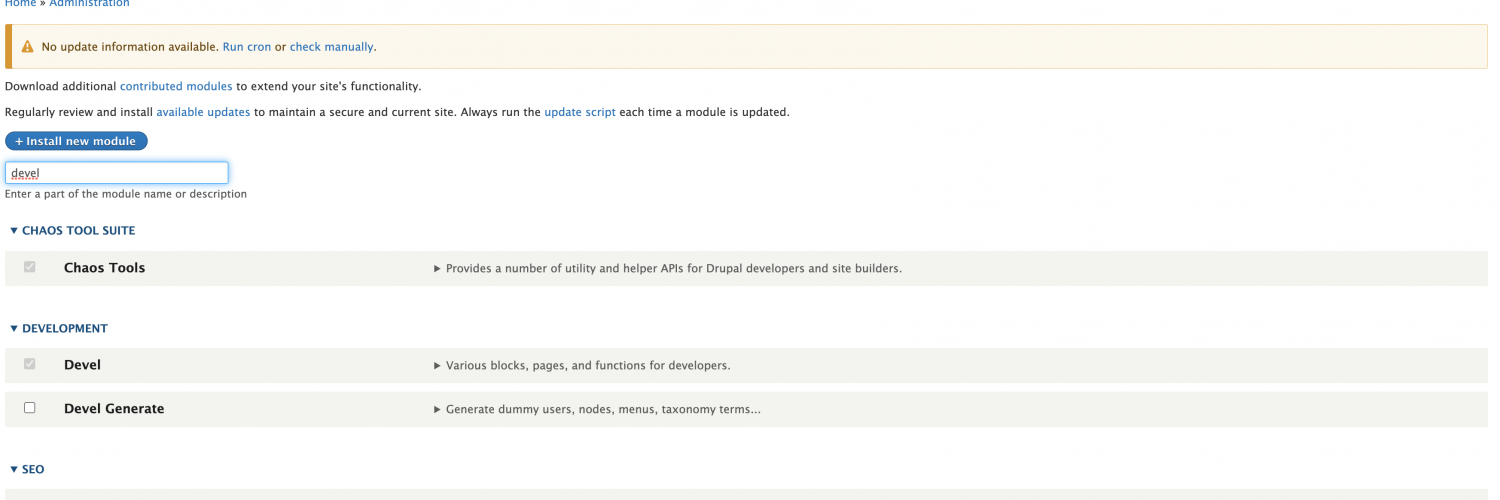
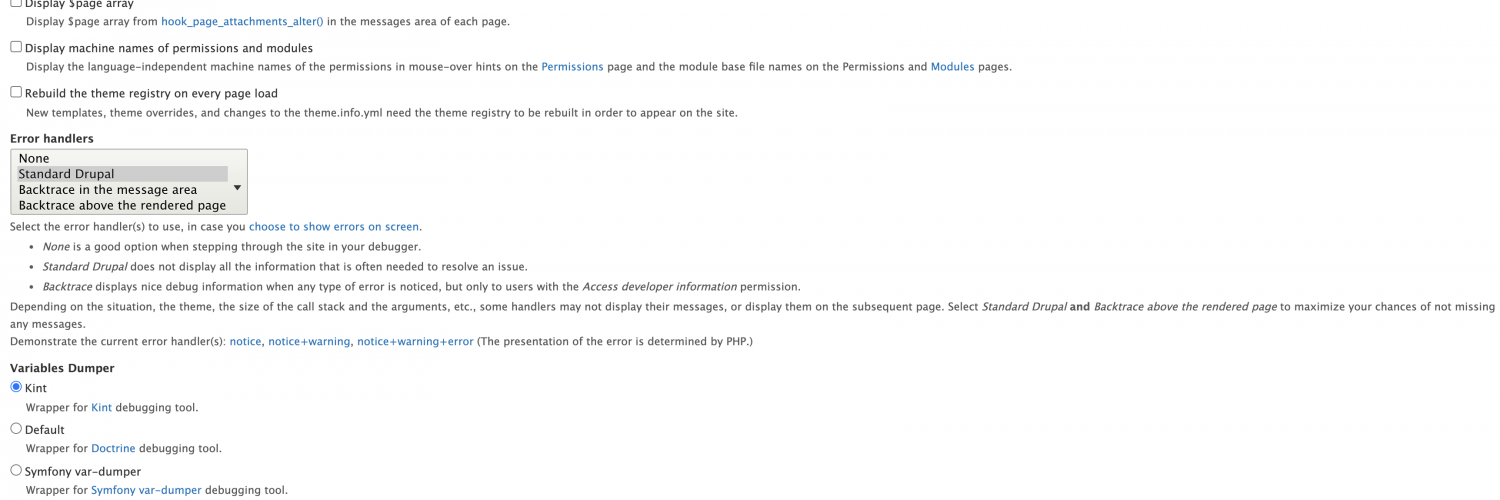
Once devel is installed, you should navigate to devels settings file and change the variables dumper setting to use kint.
Enable twig debug
For enabling twig debug, you can refer to my earlier blog post here.
Using kint
In twig templates you should now have access to a twig function called kint(), in this function you pass any variable that you wish to output, our example was to output some of the part of an array from a link field showing the link text and url.
{{ kint(content.field_link.0) }}You also have available a kint() function that can be used in php files too.
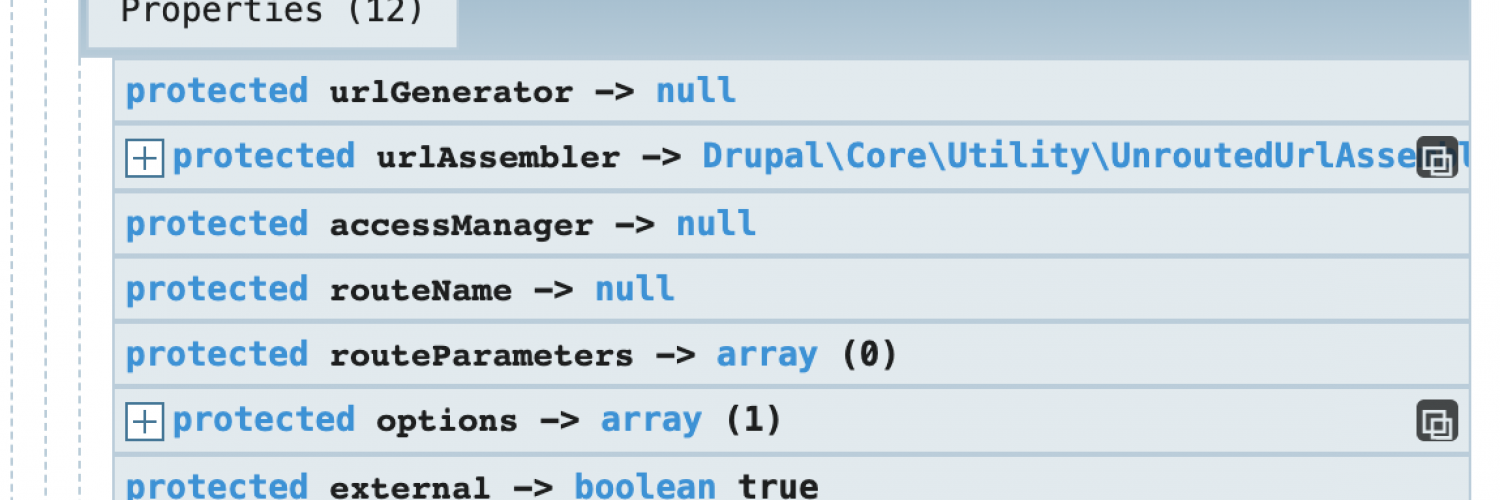
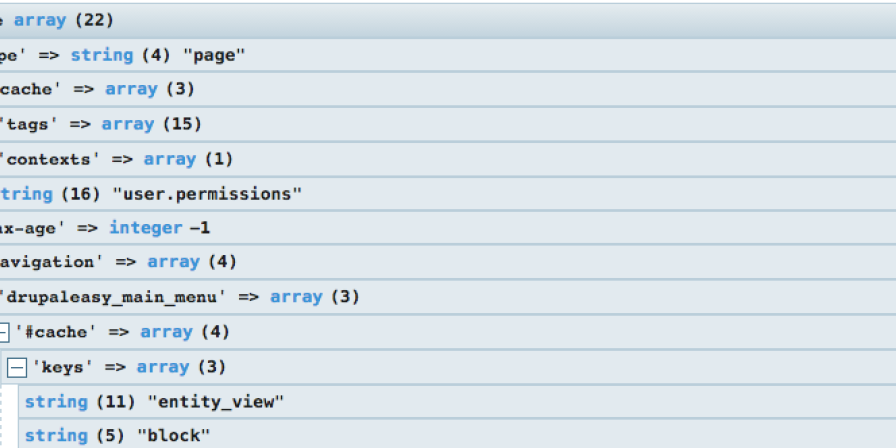
kint($variable);Below screenshot shows an example of the kint output, which is in fact for the link mentioned above.